Generate Medications from a MAR
Import a full medication list from a MAR or physician’s order PDF — no manual entry.
Setting up a new resident’s medications by hand is the most error-prone data entry in an AFH. VentoFlo reads a Medication Administration Record (MAR) or physician’s order PDF, extracts every medication with its dose, route, frequency, and schedule, and lets you review and import them in one pass — with a resident-confirmation safeguard before anything is saved.
Step by step
- 1
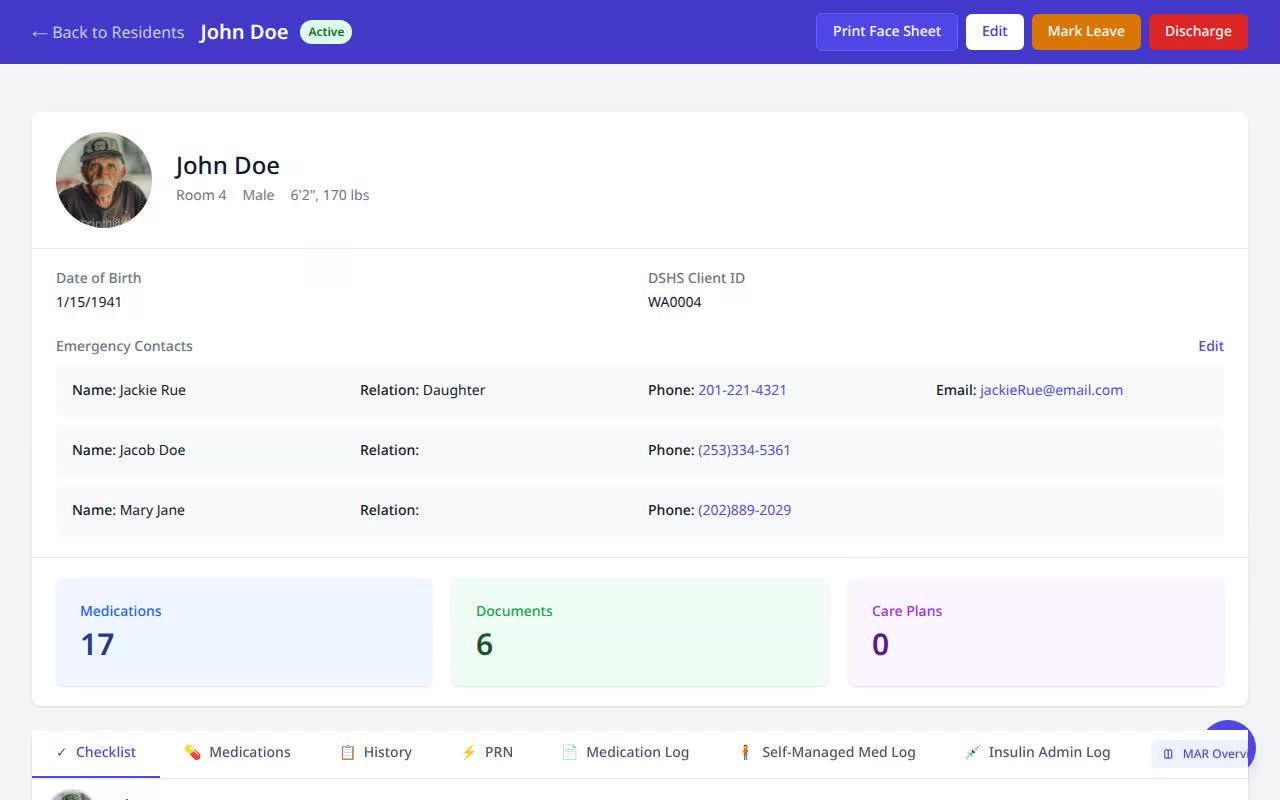
Open the resident’s Medications
The resident begins with no active medications. From the Medications tab, click “Generate.”
- 2
Choose the source — upload or already on file
Pick where the document comes from: upload a fresh MAR or physician’s-order PDF from your device, or reuse one already saved to the resident’s Documents — no re-uploading. Scanned PDFs are supported.
- 3
Extract with AI
VentoFlo reads the document and returns every medication with dose, route, frequency, scheduled times, RX number, and a confidence score.
- 4
Review and apply the resident details
Check the extracted list, then click “Apply to Profile” to accept the physician, pharmacy, diagnoses, allergies, and contacts the MAR surfaced — keeping the resident record complete.
- 5
Confirm the correct resident
Before importing, VentoFlo asks you to confirm the MAR belongs to this resident — a deliberate stop to prevent cross-resident medication errors.
- 6
Import — medications are live
The medications land on the resident’s record with their schedules, ready for safe administration in the eMAR.
Why it matters
- Manual medication entry is where transcription errors creep in. Extracting straight from the source document removes a whole class of mistakes.
- The resident-confirmation step is a built-in safeguard against importing one resident’s medications onto another.
- New-resident onboarding that used to take an hour of careful typing becomes a few minutes of review.