
How-To Library
See VentoFlo in action
Short, real walkthroughs of the workflows that matter most in an Adult Family Home — from AI care plans to WA-compliant fire drills. Each one pairs a video with a written step-by-step you can follow along.
28 walkthroughs
 2:09
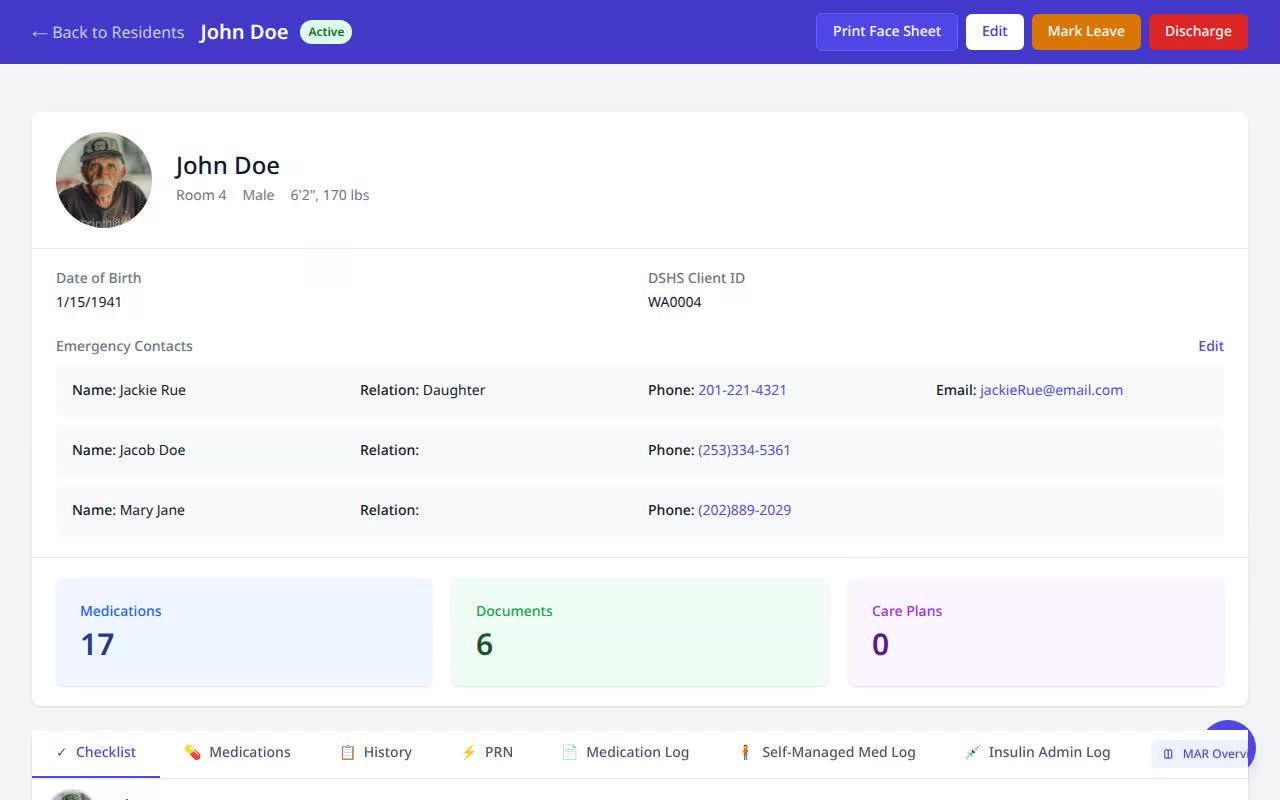
2:09Generate a Negotiated Care Plan
Turn an assessment PDF into a complete WA Negotiated Care Plan in minutes.
Watch & read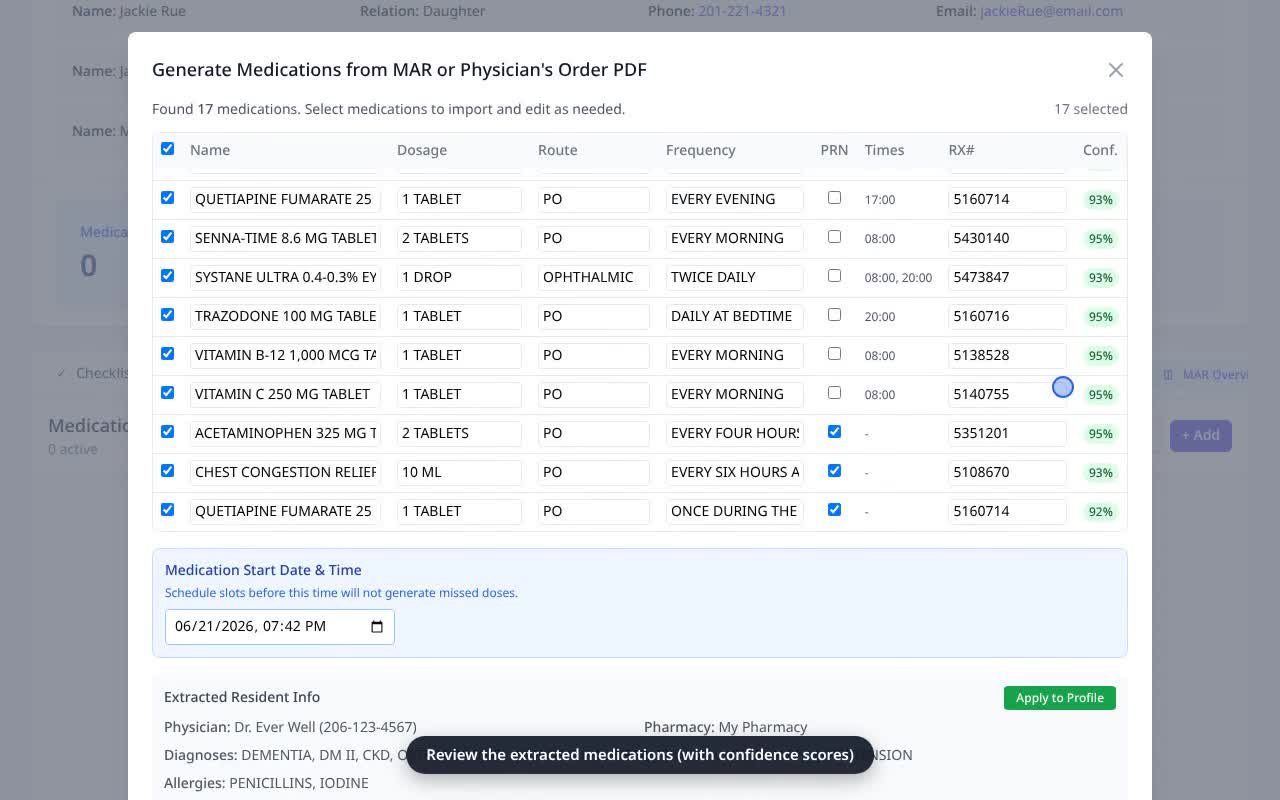 1:16
1:16Generate Medications from a MAR
Import a full medication list from a MAR or physician’s order PDF — no manual entry.
Watch & read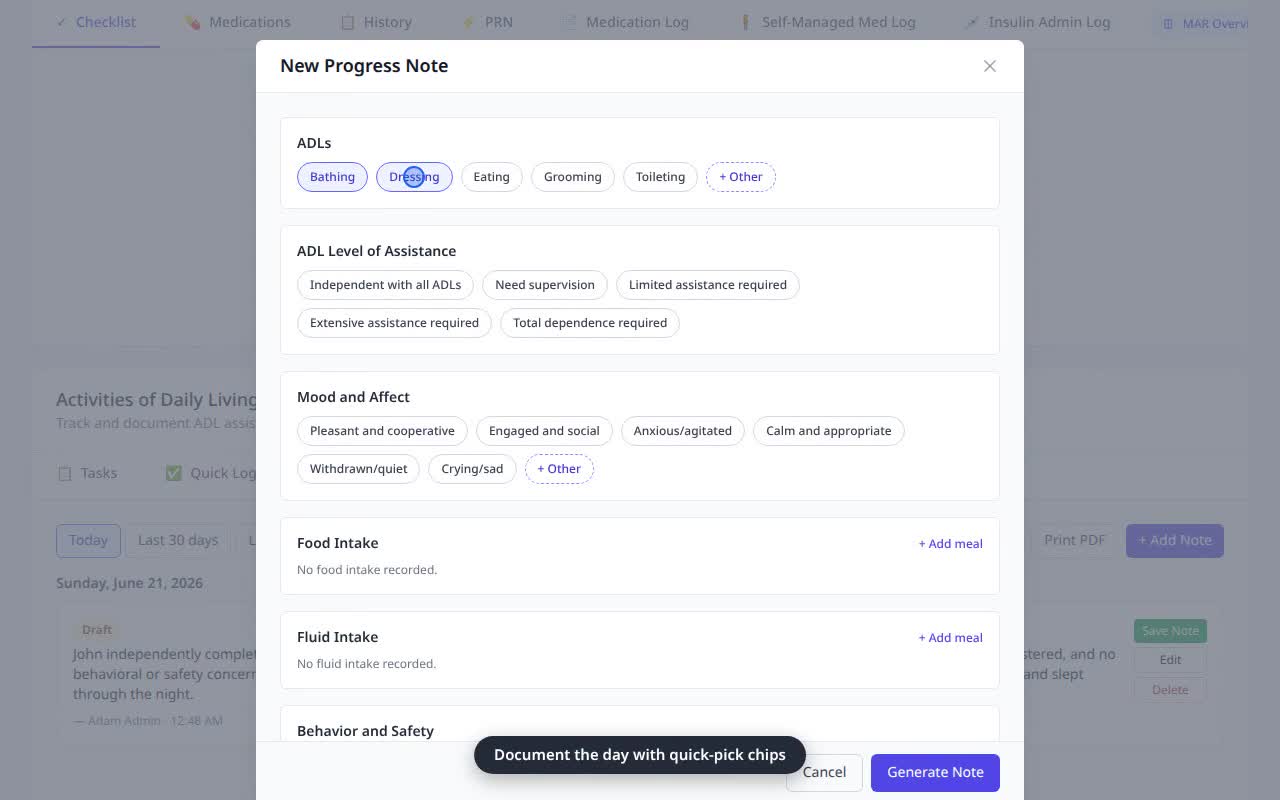 0:39
0:39Write a Daily Progress Note
Document a resident’s day in seconds with guided quick-picks and an AI narrative.
Watch & read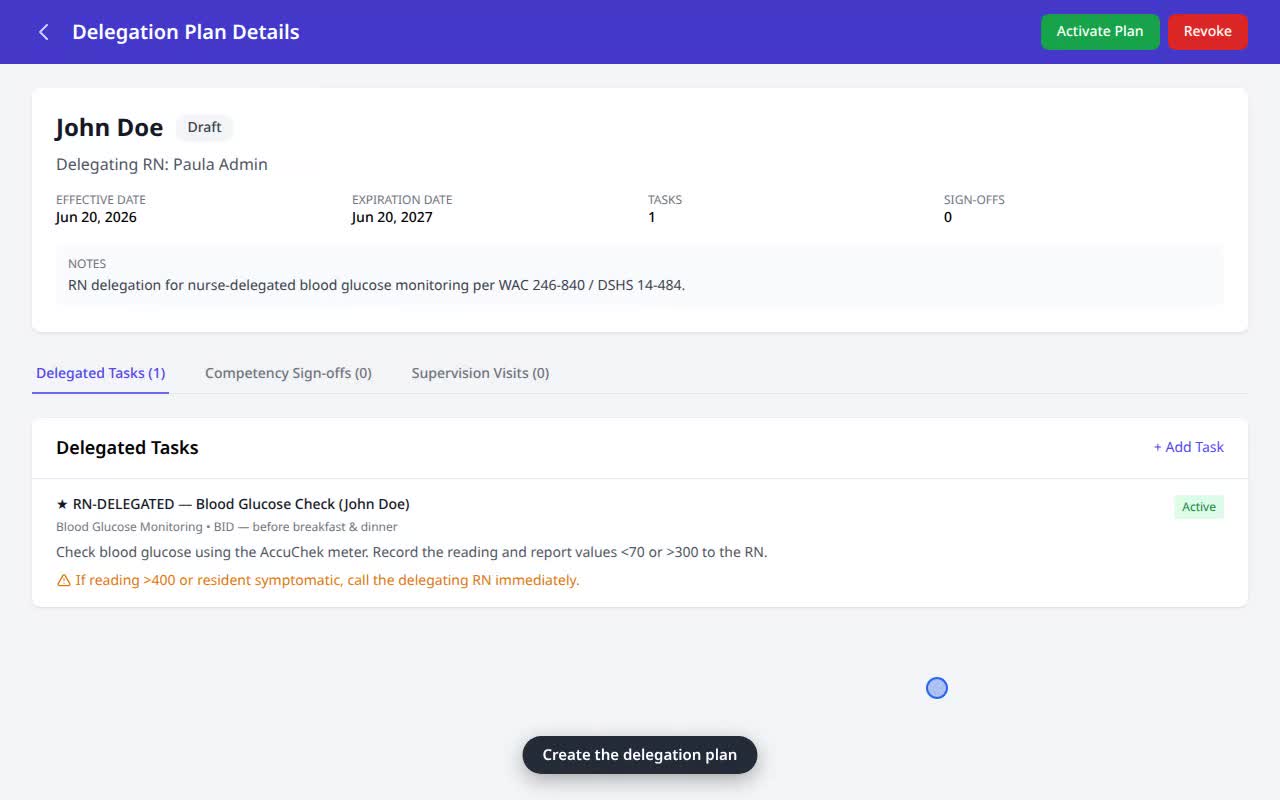 1:39
1:39Build an RN Delegation Plan
Build a delegation plan, sign off competency, log supervision, then sign & file it to the resident’s Documents.
Watch & read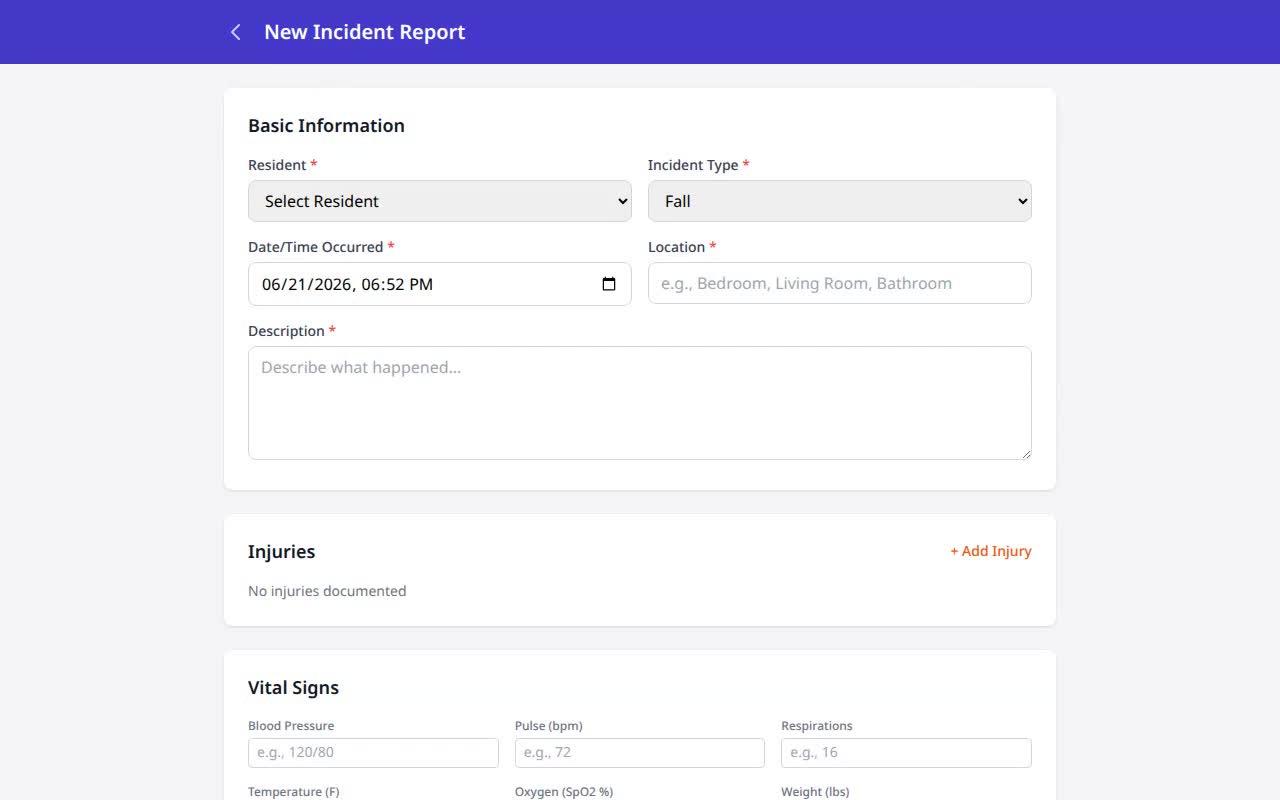 0:54
0:54File an Incident Report
Document a fall or incident with injuries, vitals, and notifications in one form.
Watch & read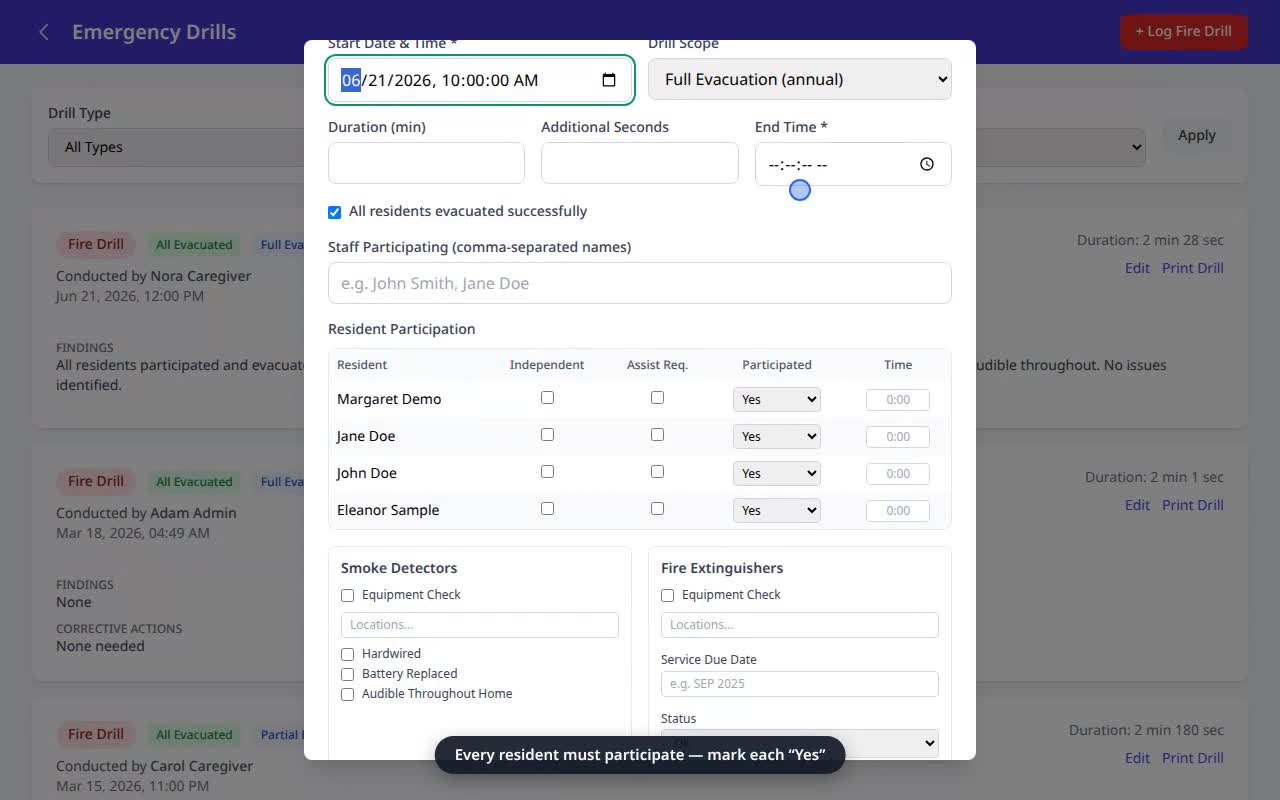 1:00
1:00Log a Fire Drill
Record a WA-compliant fire drill — participation, timing, equipment, and water-temperature checks.
Watch & read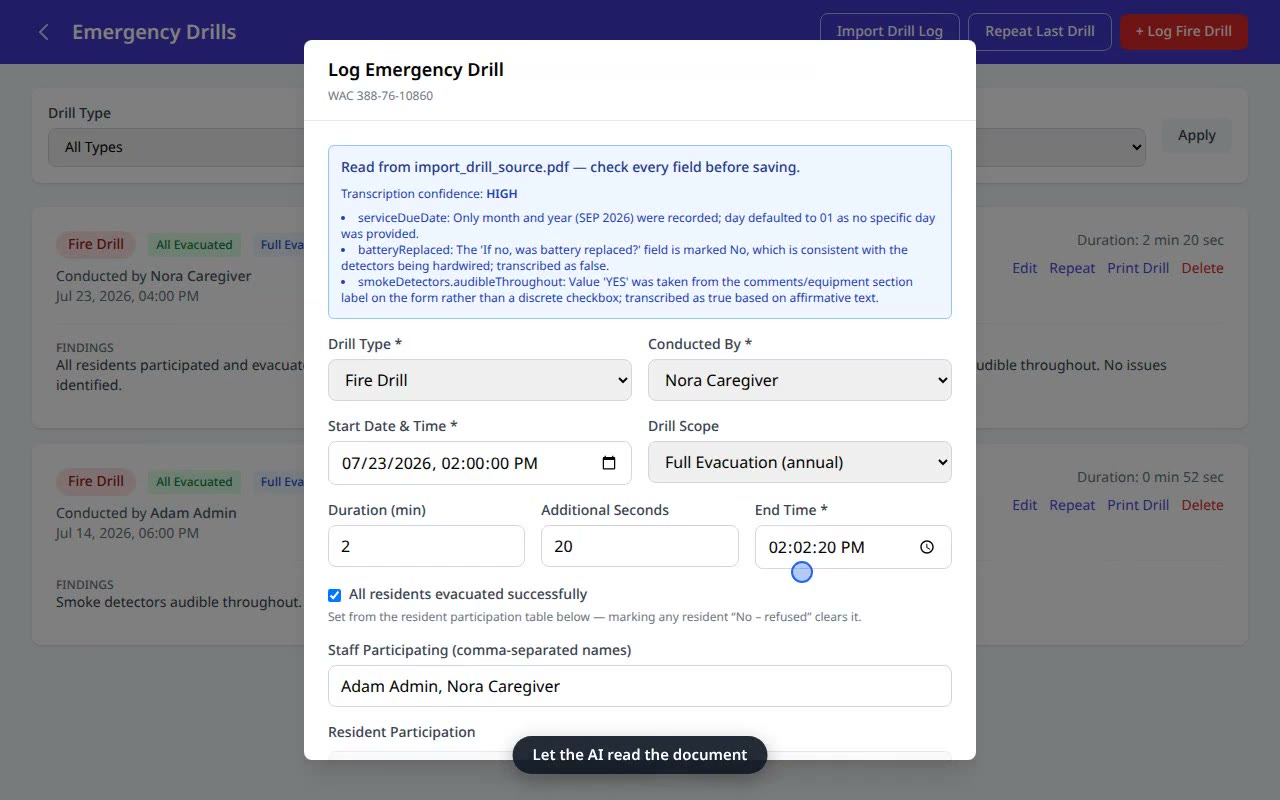 0:56
0:56Import a Completed Drill Log
Already ran a drill on paper? Let AI read the completed 21-065 into a digital record.
Watch & read 1:24
1:24Generate a Behavior Support Plan
Turn an assessment into a finalized WA Behavior Support Plan — behaviors, triggers, and standard interventions.
Watch & read 1:47
1:47Log a CBHS supportive-supervision interaction
The behavior support plan already knows the triggers — check them, and the outcome drafts itself.
Watch & read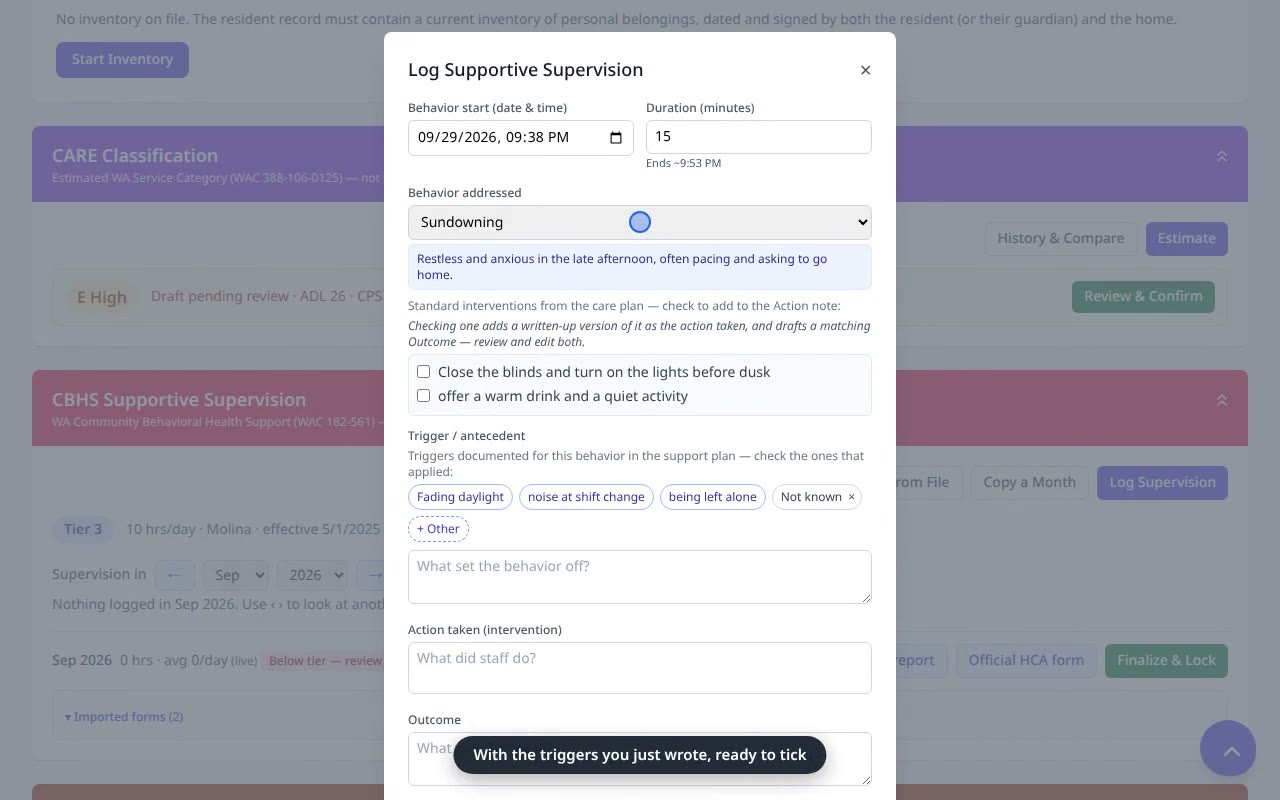 1:37
1:37Add a behavior so it can be logged for supervision
There is no “add behavior” button in the log — behaviors come from the Behavior Support Plan.
Watch & read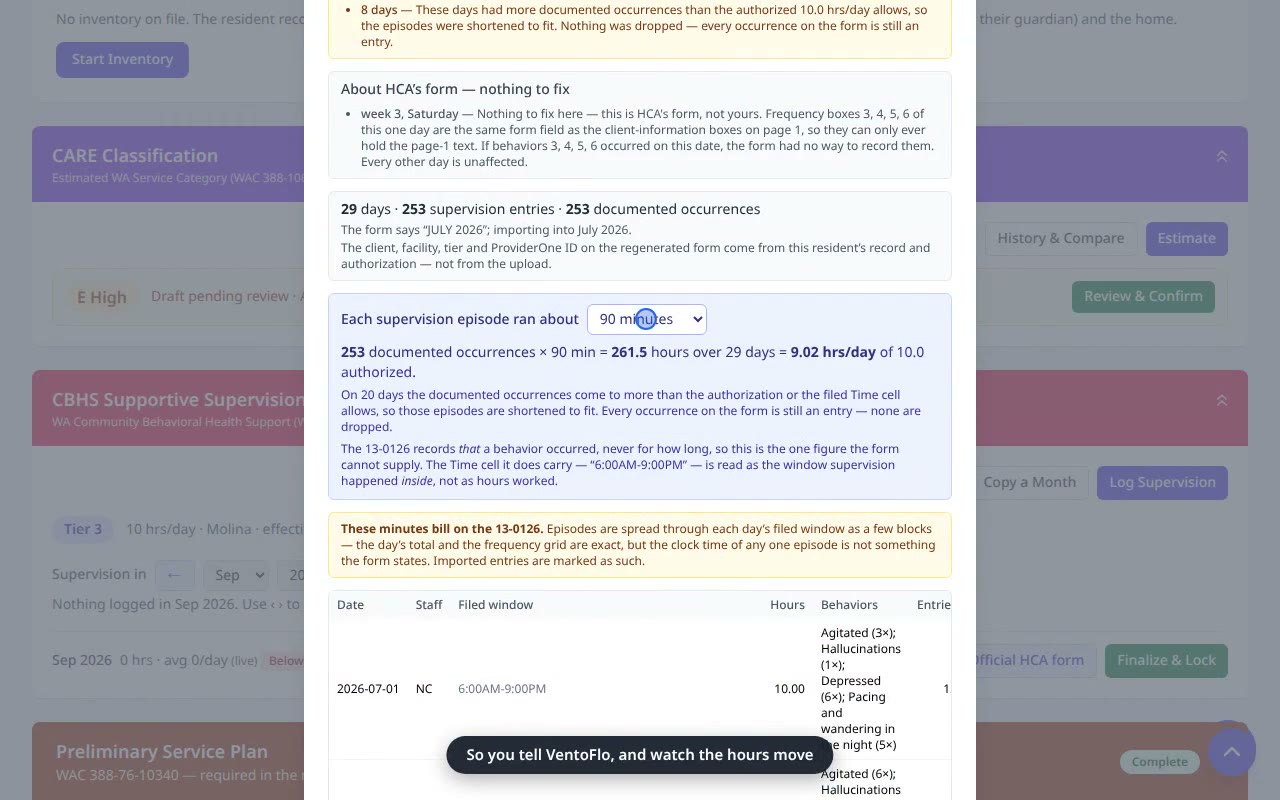 1:36
1:36Import a filed 13-0126 (monthly form)
Months of forms already filed on paper? Bring them in instead of re-keying every day.
Watch & read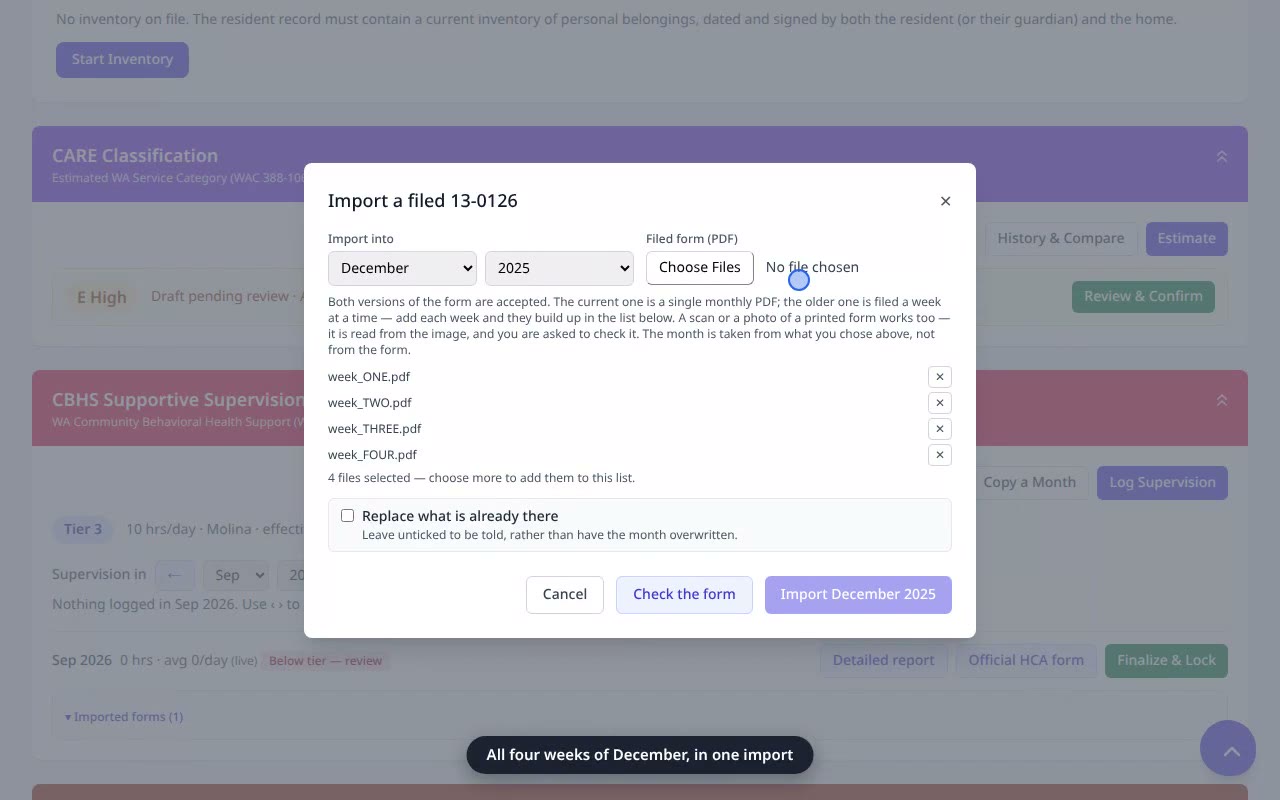 1:46
1:46Import the older weekly 13-0126 (several files per month)
The older form is filed a week at a time — add each week and they become one month.
Watch & read 1:13
1:13Generate the monthly CBHS supervision report (Official HCA 13-0126)
From tier authorization to logged supervision to the official HCA 13-0126 — ready to bill and submit.
Watch & read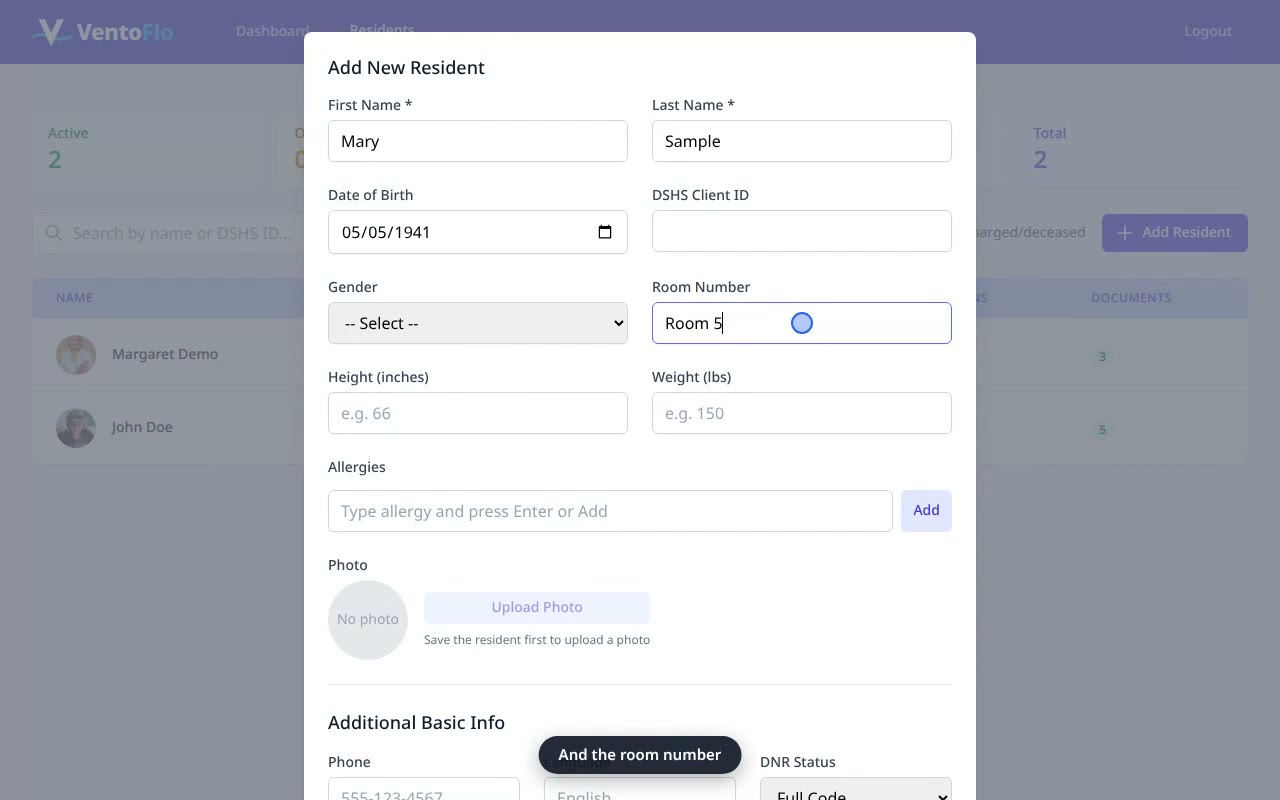 1:01
1:01Add a Resident
Onboard a new resident in under a minute — name, date of birth, room number.
Watch & read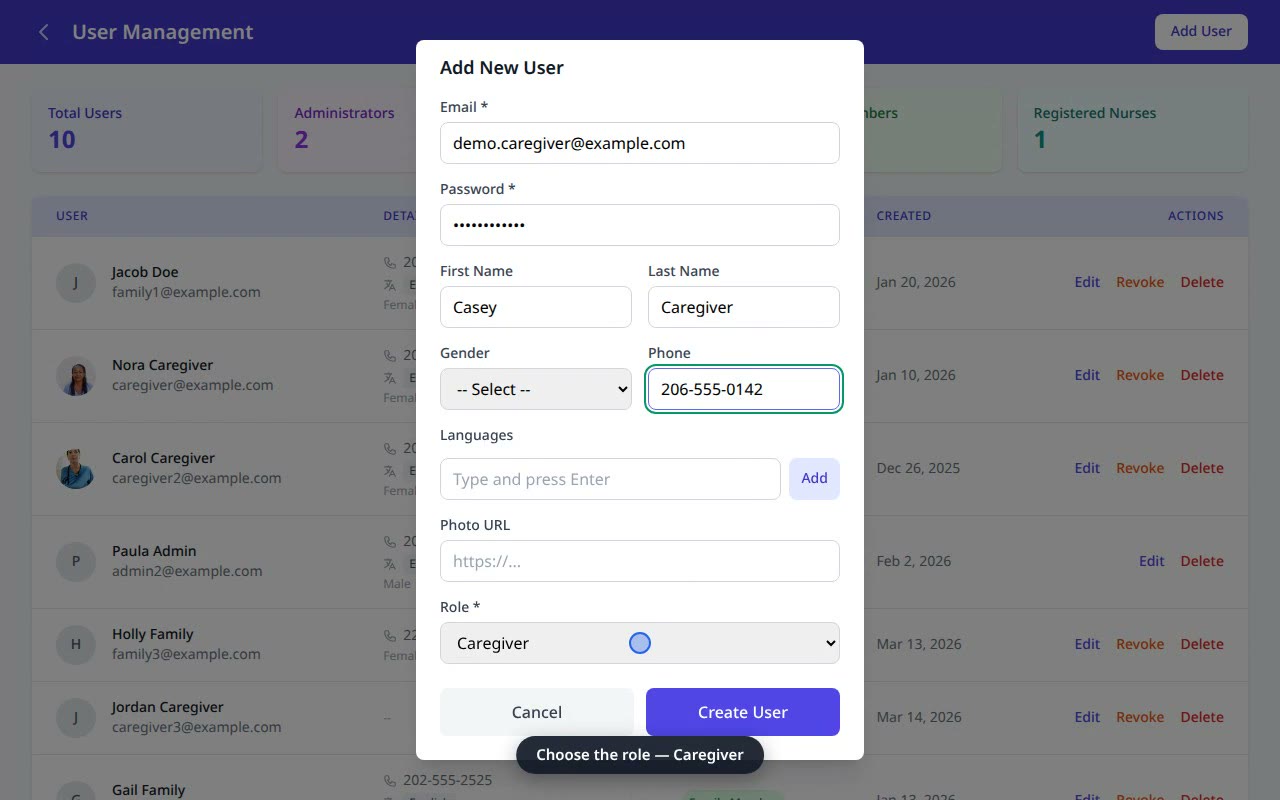 0:47
0:47Add a Caregiver
Give a caregiver access to the eMAR, daily tasks, and documentation.
Watch & read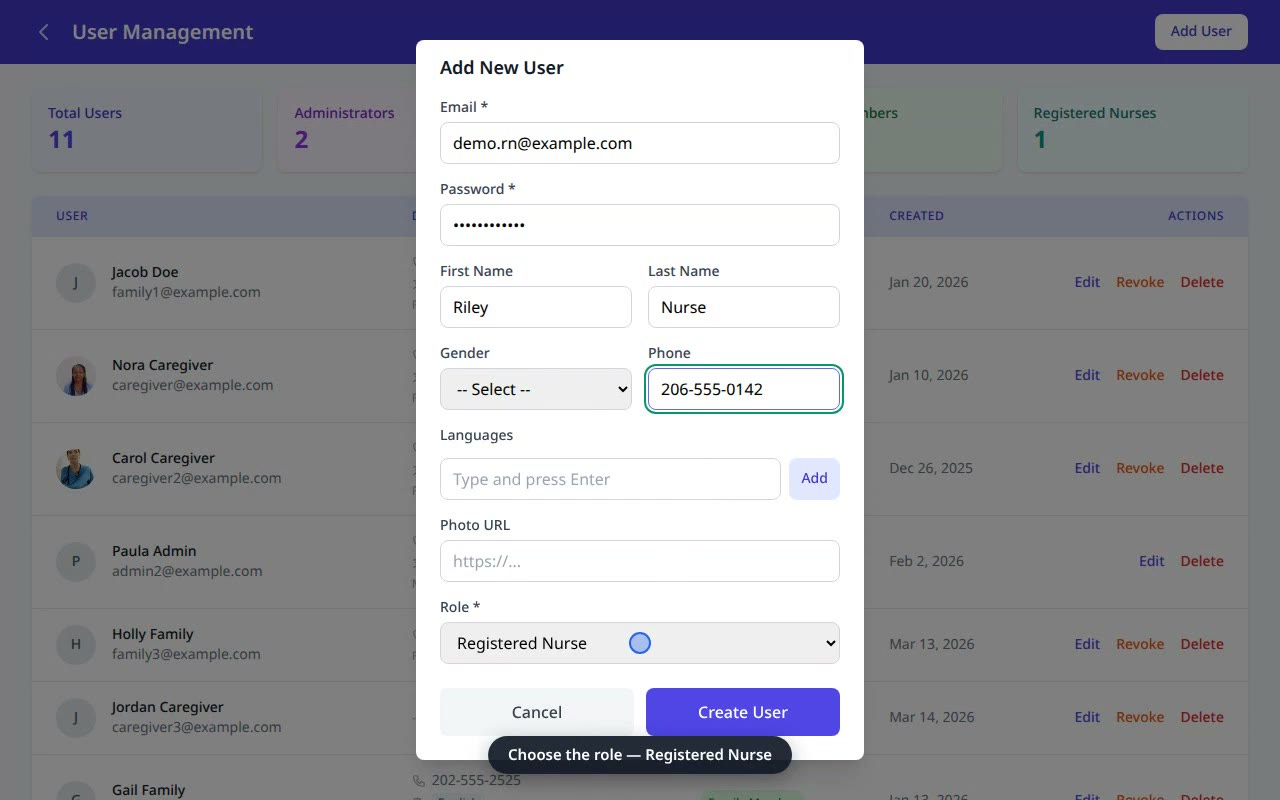 0:48
0:48Add a Registered Nurse
Give your delegating RN access to delegation plans, competencies, and supervision visits.
Watch & read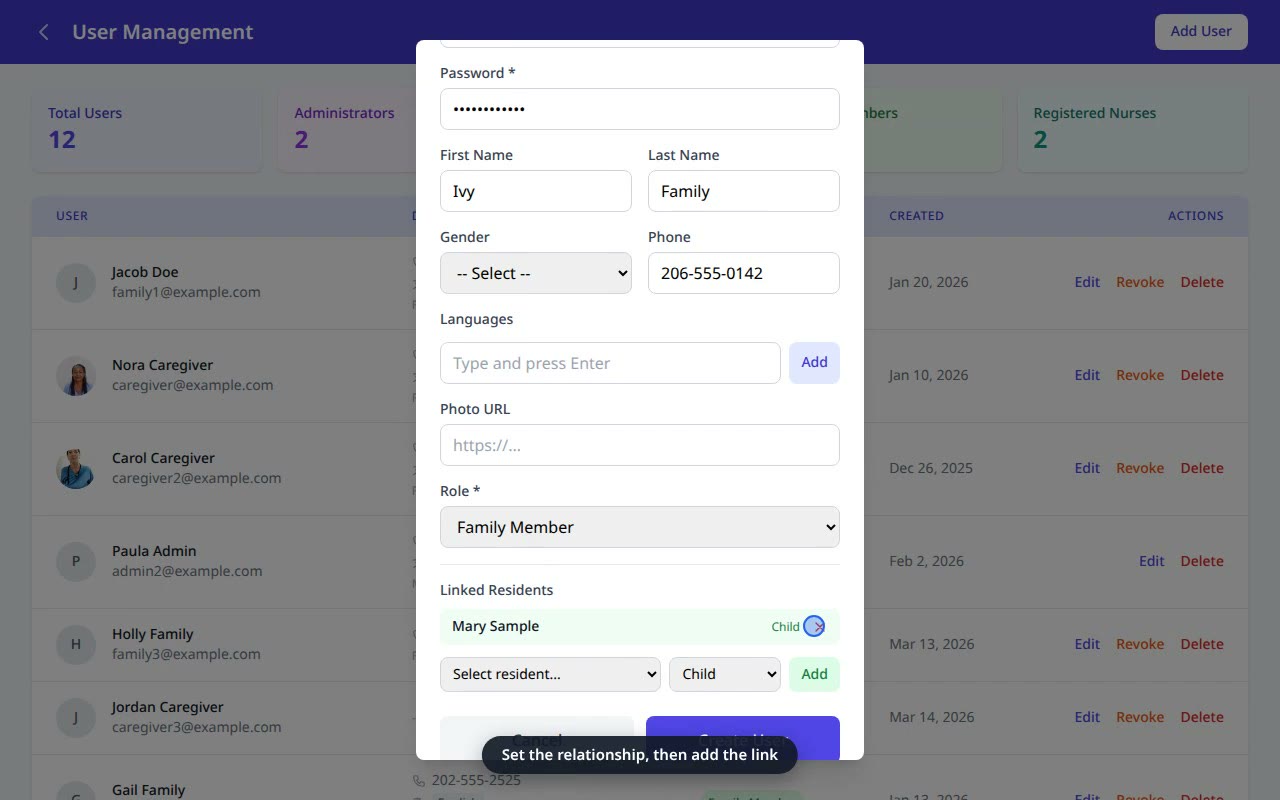 0:54
0:54Add a Family Member
Give a family member read-only portal access — scoped to their loved one only.
Watch & read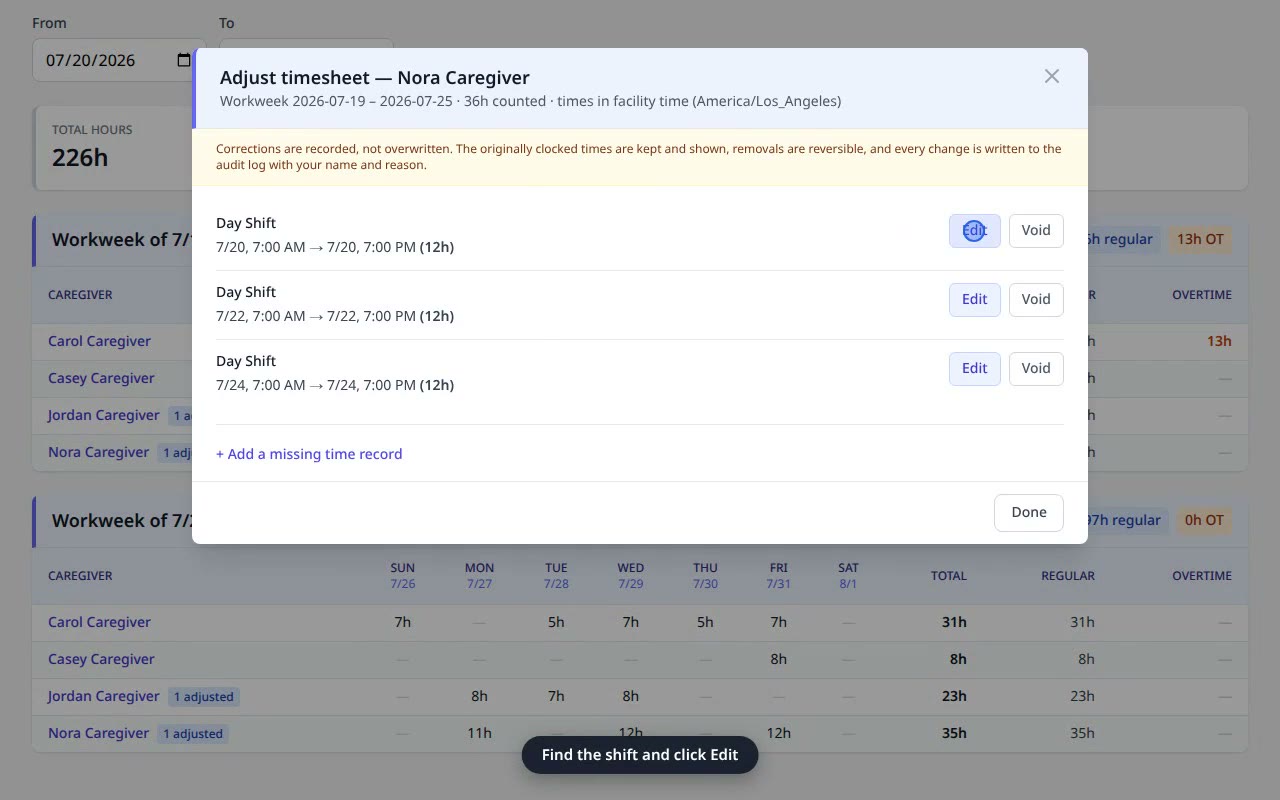 0:46
0:46Make a Timesheet Correction
Fix a caregiver’s clock-in or clock-out — non-destructively, with a reason and an audit trail.
Watch & read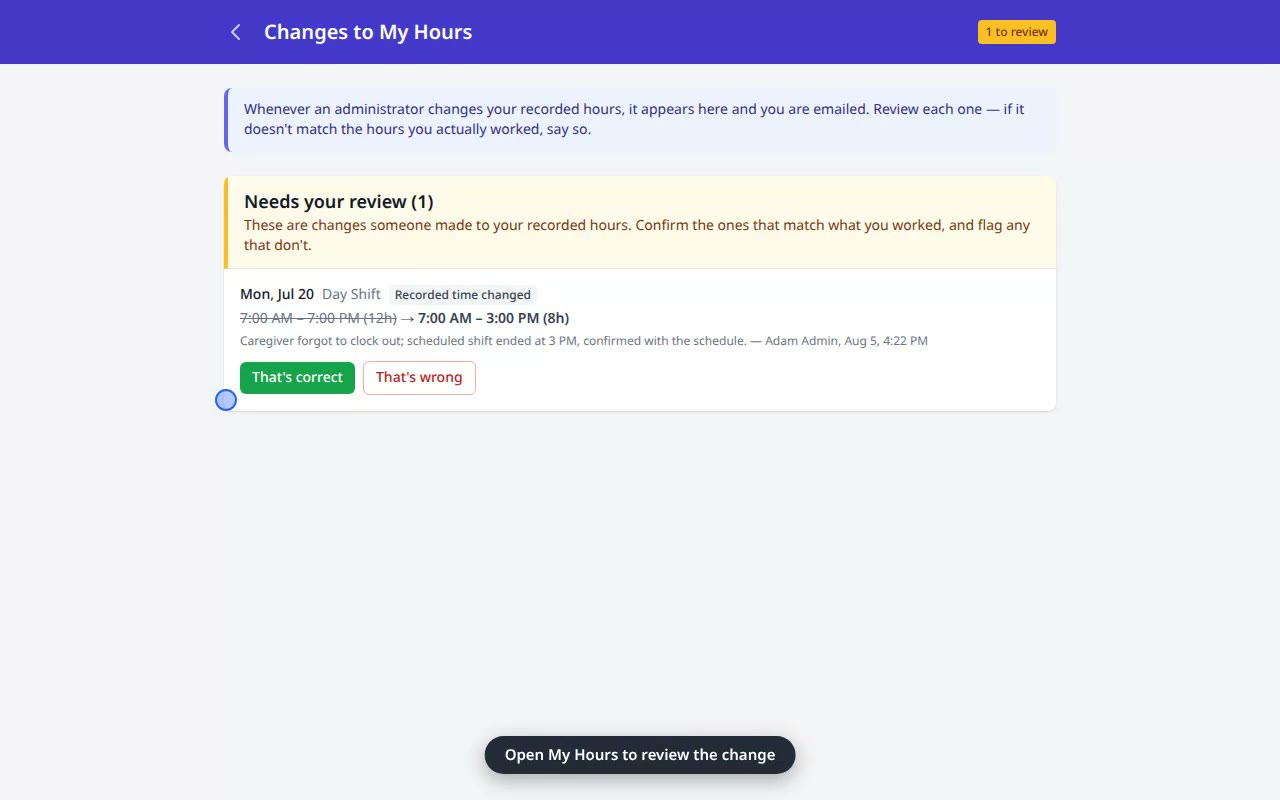 0:27
0:27Confirm a Change to Your Hours
A caregiver reviews an admin’s change to their recorded hours and confirms it.
Watch & read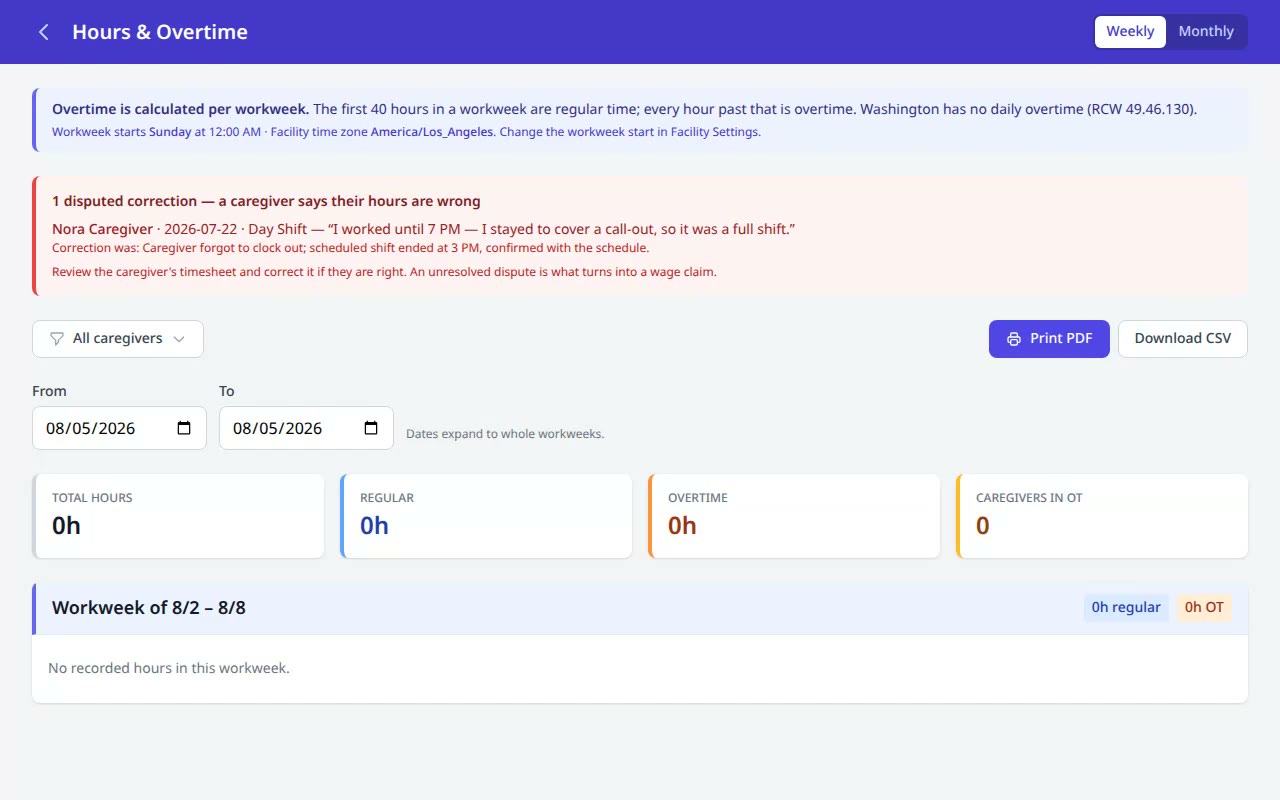 1:11
1:11Dispute a Change to Your Hours
A caregiver disputes a wrong change; the admin sees it and corrects the record — before it becomes a wage claim.
Watch & read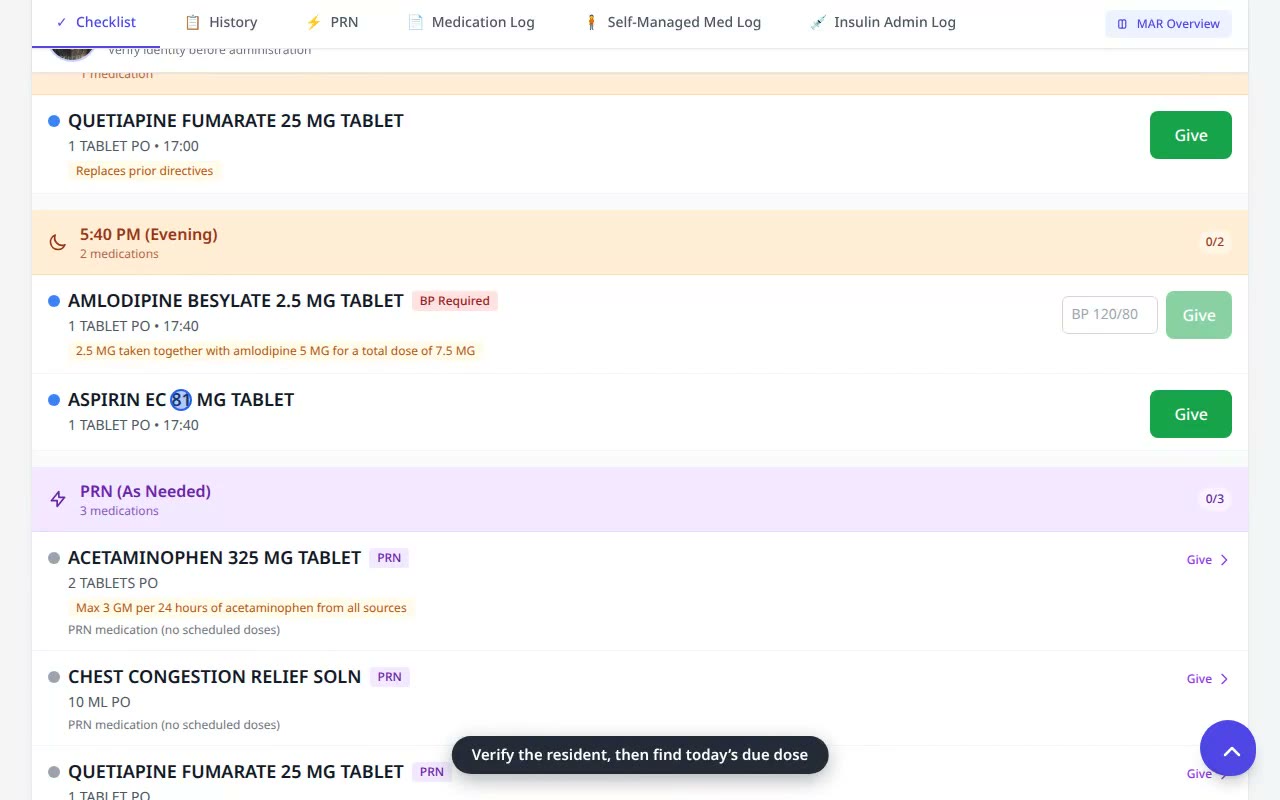 0:29
0:29Give a Routine Medication
Record a scheduled dose from the daily MAR checklist — one tap, timestamped and initialled.
Watch & read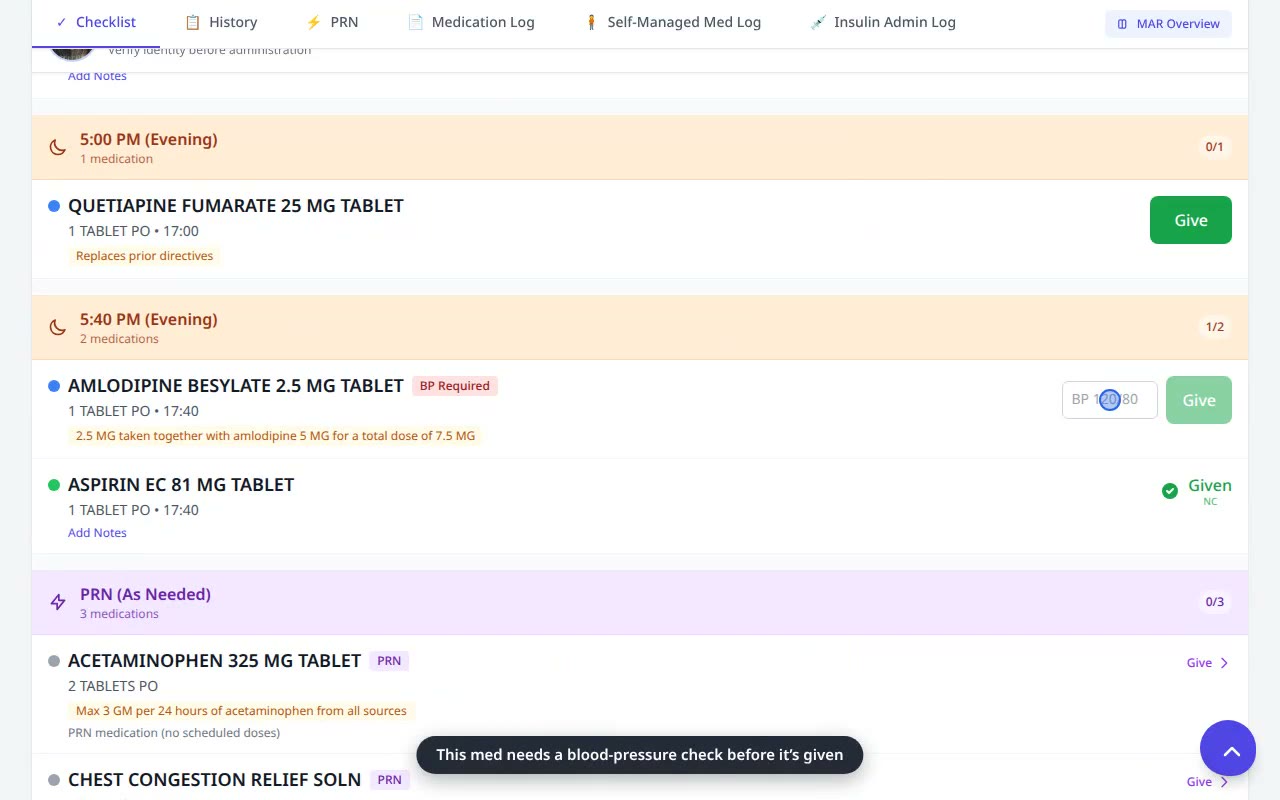 0:29
0:29Give a Med with a Safety Pre-Check
Some orders require a vital first — enter the reading, and an in-range value clears the dose to give.
Watch & read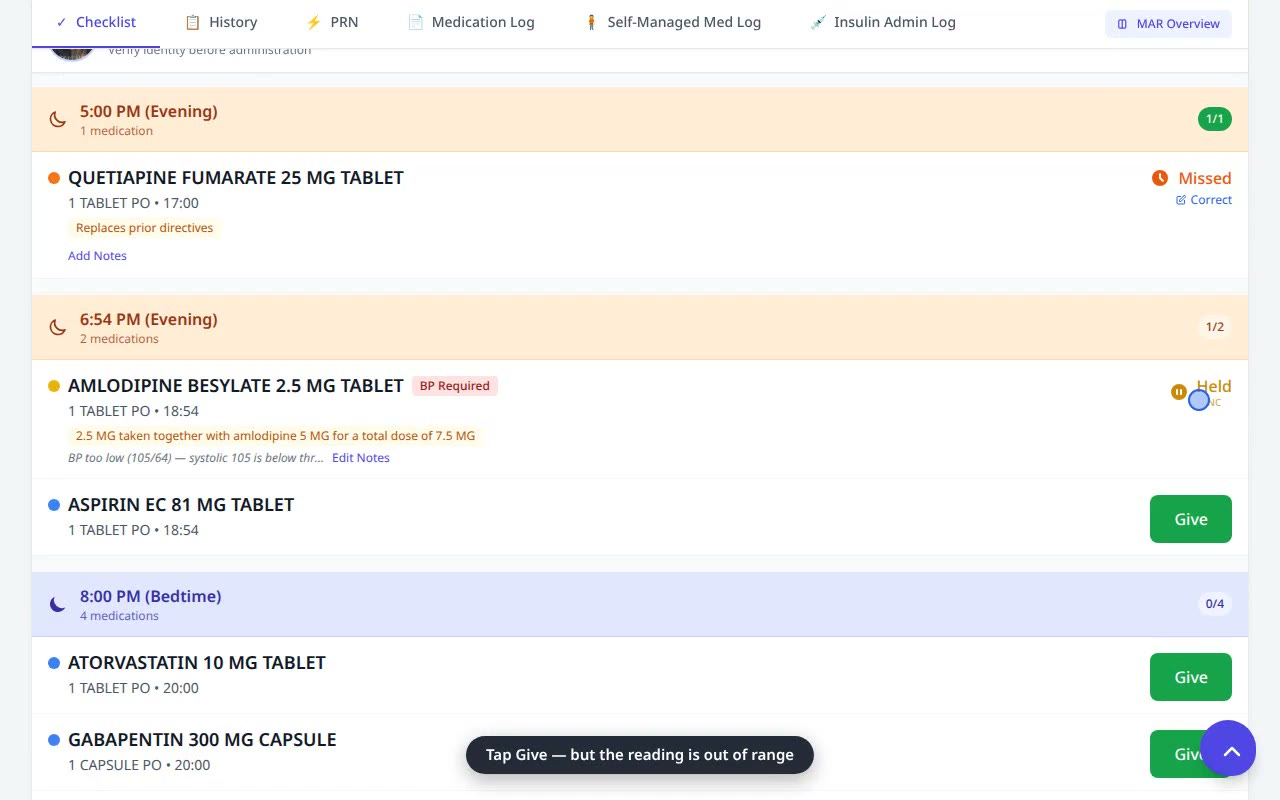 0:29
0:29When a Safety Check Holds a Dose
An out-of-range reading auto-holds the dose and flags it for the nurse — no override needed.
Watch & read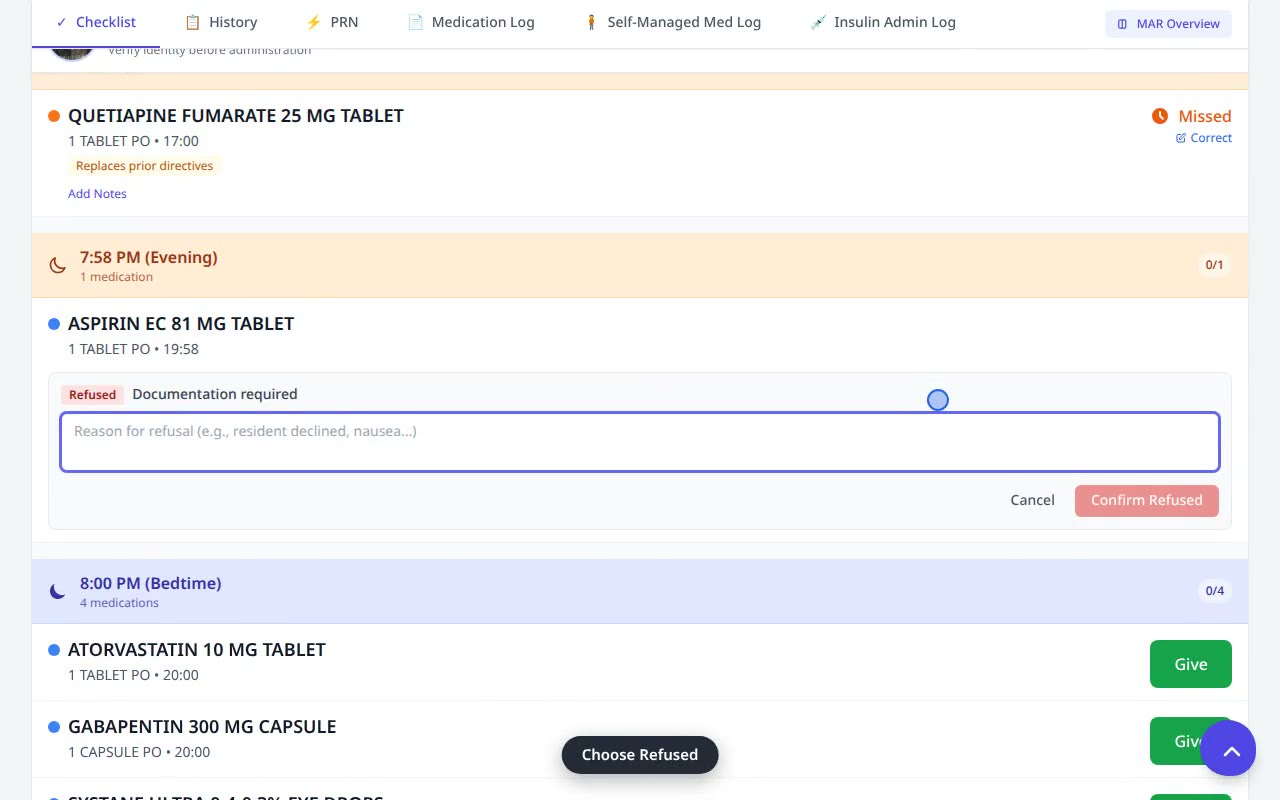 0:37
0:37Record a Medication Refusal
A resident declines a dose — chart it as Refused with a reason, in seconds.
Watch & read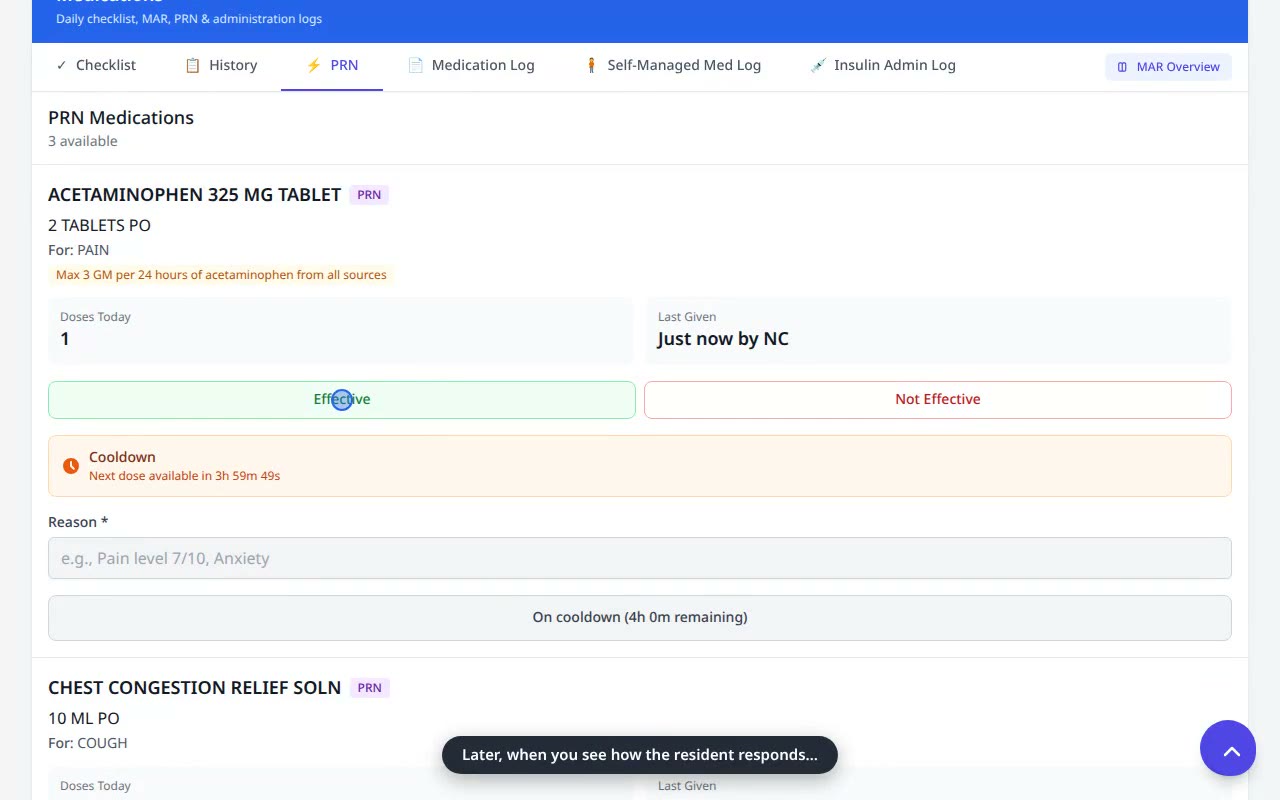 0:46
0:46Give a PRN (As-Needed) Medication
Record an as-needed dose with a documented reason — cooldowns and daily limits enforced automatically.
Watch & read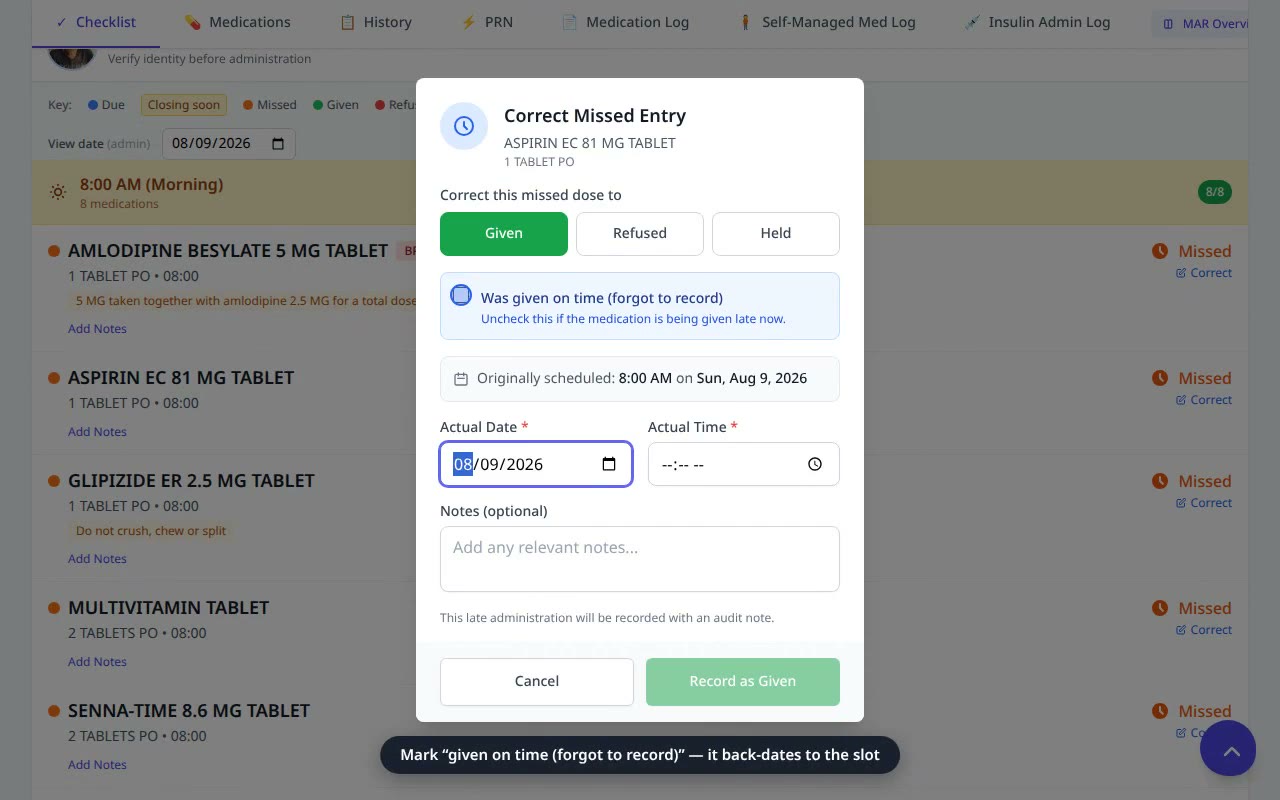 0:38
0:38Correct a Missed Dose
A dose was given but never charted — correct the record, non-destructively, with an audit note.
Watch & read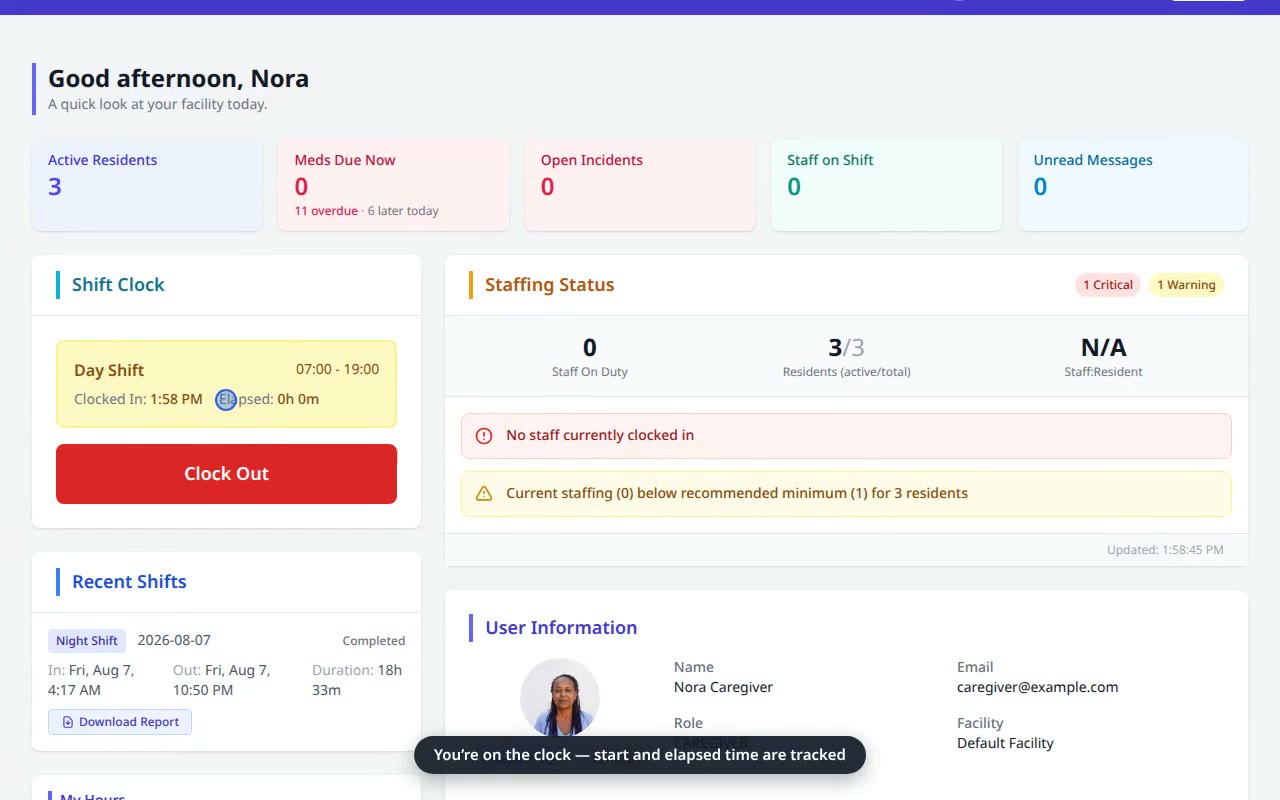 0:27
0:27Clock In for a Shift
Start your shift from the dashboard Shift Clock — pick your shift and clock in.
Watch & read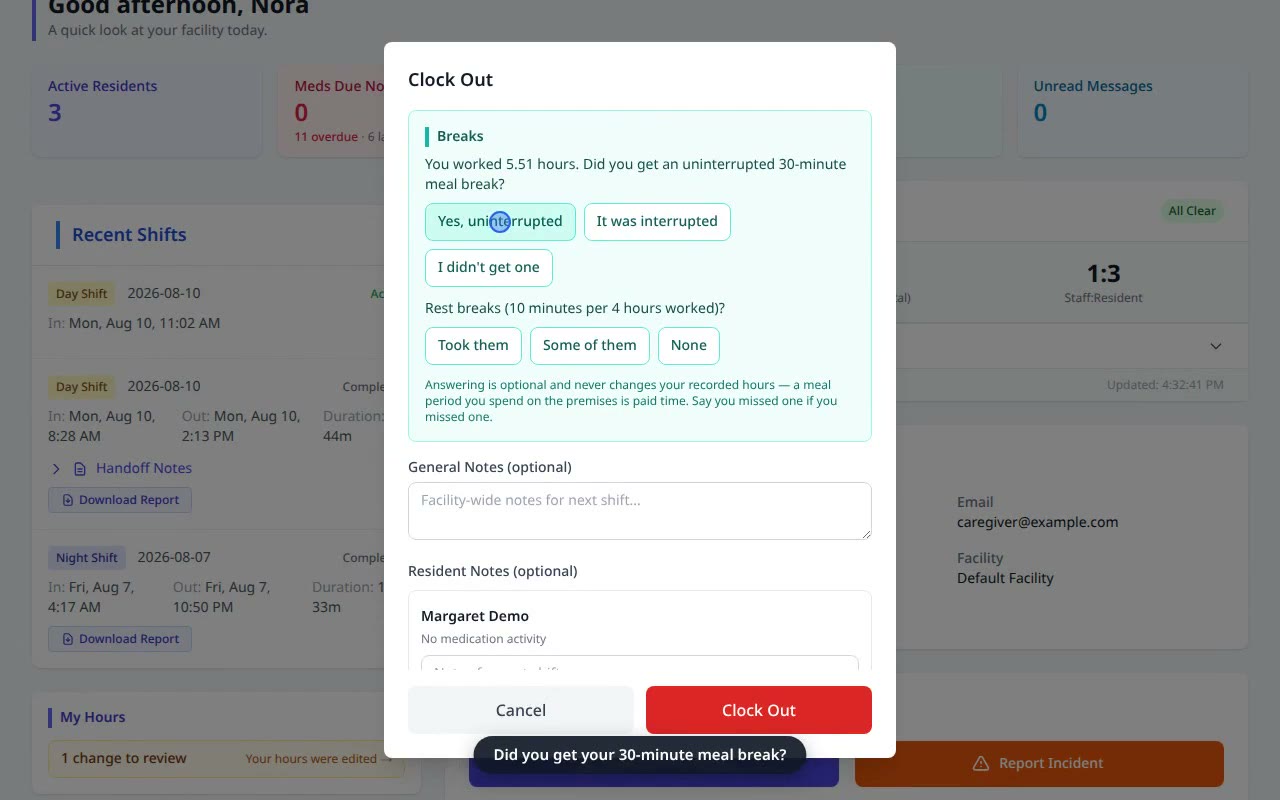 0:43
0:43Clock Out & Attest Your Breaks
End your shift, answer the WA meal & rest break check, and leave a handoff note.
Watch & readReady to run your home on VentoFlo?
Start a free trial and put these workflows to work for your residents this week.