Generate a Behavior Support Plan
Turn an assessment into a finalized WA Behavior Support Plan — behaviors, triggers, and standard interventions.
A Behavior Support Plan (BSP) documents a resident’s behaviors and the standard interventions staff use — and for Community Behavioral Health Support (CBHS) it’s the foundation the billing form is built on. VentoFlo reads the resident’s assessment, extracts the behaviors and interventions, and produces a formatted plan you review, generate, and finalize. Finalizing locks the document for e-signature and makes its behaviors available to the official HCA 13-0126.
Step by step
- 1
Open the resident and start the generator
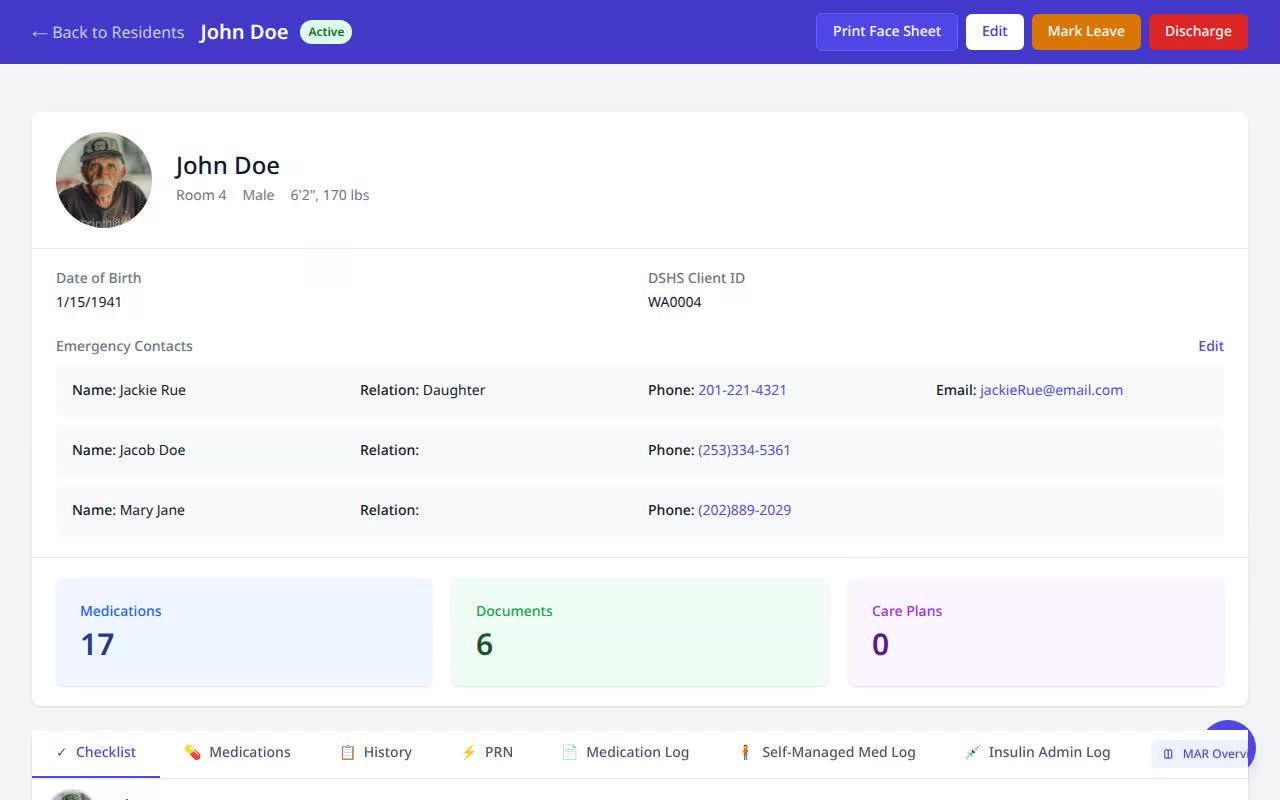
From the resident’s record, go to Documents and click “Generate Behavior Support Plan.”
- 2
Choose the assessment — upload or already on file
Pick where the assessment comes from: upload a fresh CARE assessment PDF from your device, or reuse one already saved to the resident’s Documents — no re-uploading. VentoFlo reads scanned documents with AI.
- 3
Let the AI extract the behaviors
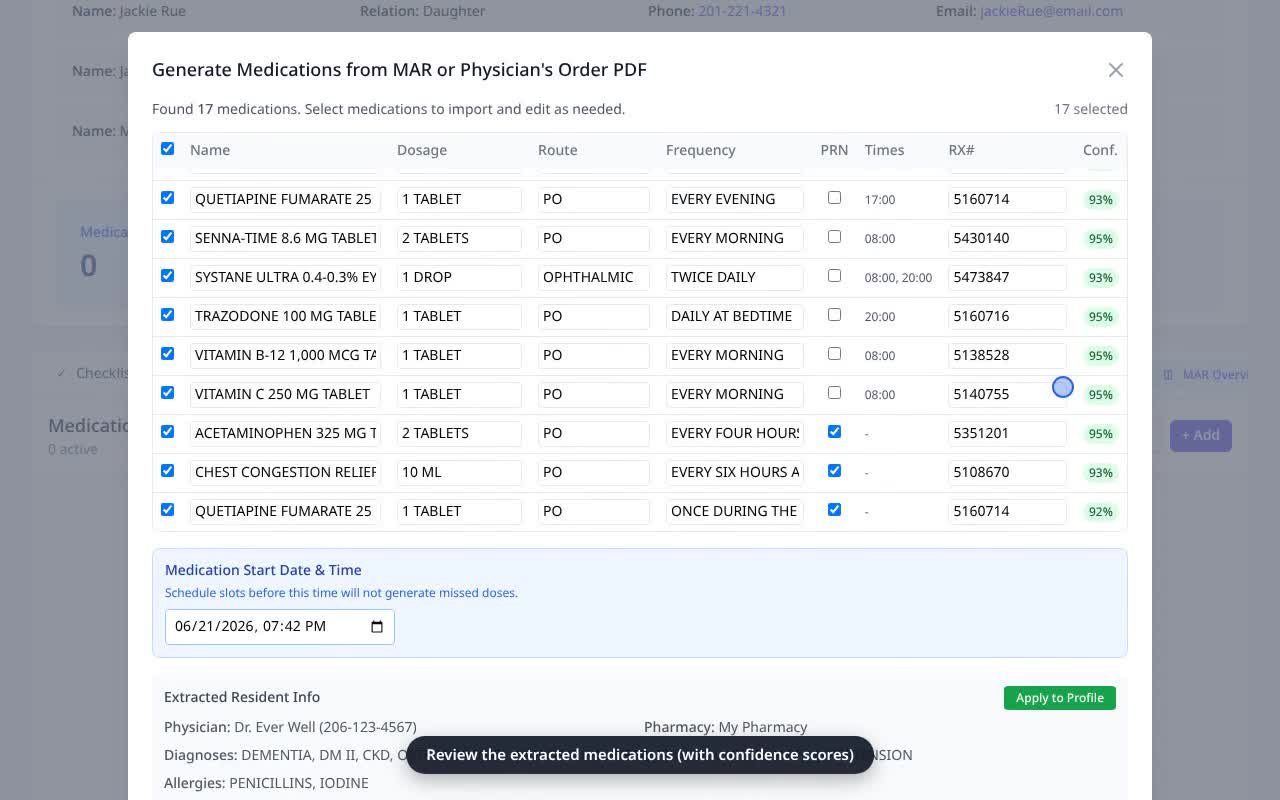
The system pulls each behavior with its triggers and the standard interventions from the assessment, ready for review.
- 4
Review and generate the plan
Confirm the extracted behaviors and interventions, then generate. The formatted Behavior Support Plan is saved to the resident’s Documents as a draft.
- 5
Finalize the document
From the Documents list, click “Finalize” on the plan (not the monthly “Finalize & Lock”). Finalizing locks the document, enables e-signatures, and makes its behaviors loadable into the official HCA 13-0126.
- 6
Open the finalized plan
The finalized Behavior Support Plan is ready to download, sign, and present — and its behaviors now flow into the CBHS supervision form.
Why it matters
- CBHS supportive-supervision billing is documentation-gated — an approved behavior support plan is the source of truth for the behaviors you track and bill.
- Finalizing makes the plan an official, signable record and unlocks its behaviors for the monthly HCA 13-0126, so you don’t re-enter them.
- AI extraction with a human review step turns an afternoon of writing into a few reviewed clicks.