Give a Med with a Safety Pre-Check
Some orders require a vital first — enter the reading, and an in-range value clears the dose to give.
Some medications shouldn’t be given without checking a vital first — a blood-pressure reading for an antihypertensive, for example. VentoFlo enforces that at the point of care: the dose won’t record until the required reading is entered, and the reading is saved to the record alongside the administration.
Step by step
- 1
Open the checklist
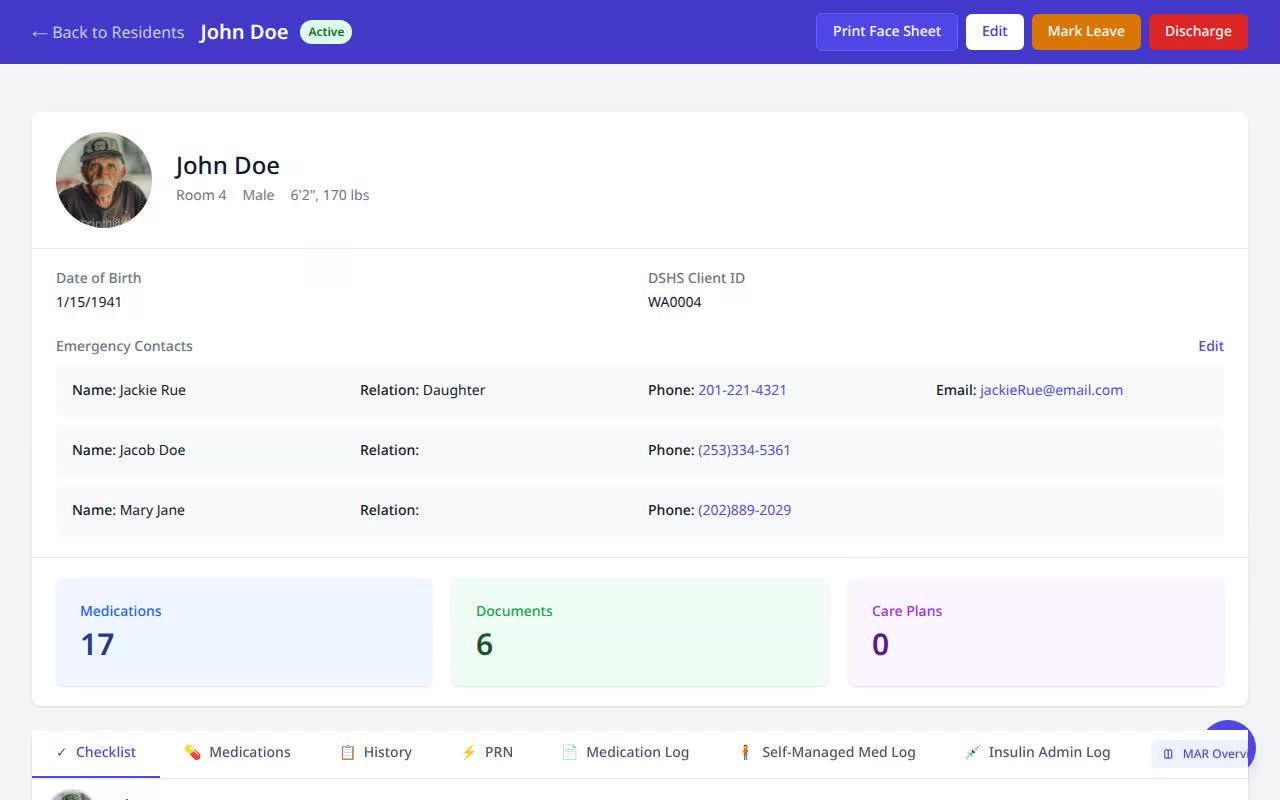
On the resident’s Medications, stay on the Checklist tab.
- 2
Spot the pre-check
A dose that needs a vital shows a “BP Required” badge and an inline field instead of a plain Give button.
- 3
Enter the reading
Type today’s blood pressure — e.g. 130/80 — into the field.
- 4
Give
With the reading in the order’s safe range, tap Give.
- 5
Done
The dose records as Given, with the blood-pressure reading saved to the medication record.
Why it matters
- The safety check is enforced at administration time, not left to memory — the dose can’t be recorded without the required vital.
- The reading is stored with the dose, so the clinical rationale for giving it is part of the permanent record.
- It turns a written “hold parameters” order into a guardrail the caregiver can’t skip.