Compliance & Safety0:29
Give a Routine Medication
Record a scheduled dose from the daily MAR checklist — one tap, timestamped and initialled.
The daily checklist shows every scheduled dose that’s due, grouped by time of day. A caregiver verifies the resident, finds the due dose, and taps Give — VentoFlo records who gave it and when, and closes the slot so the same dose can’t be given twice.
Step by step
- 1
Open Medications
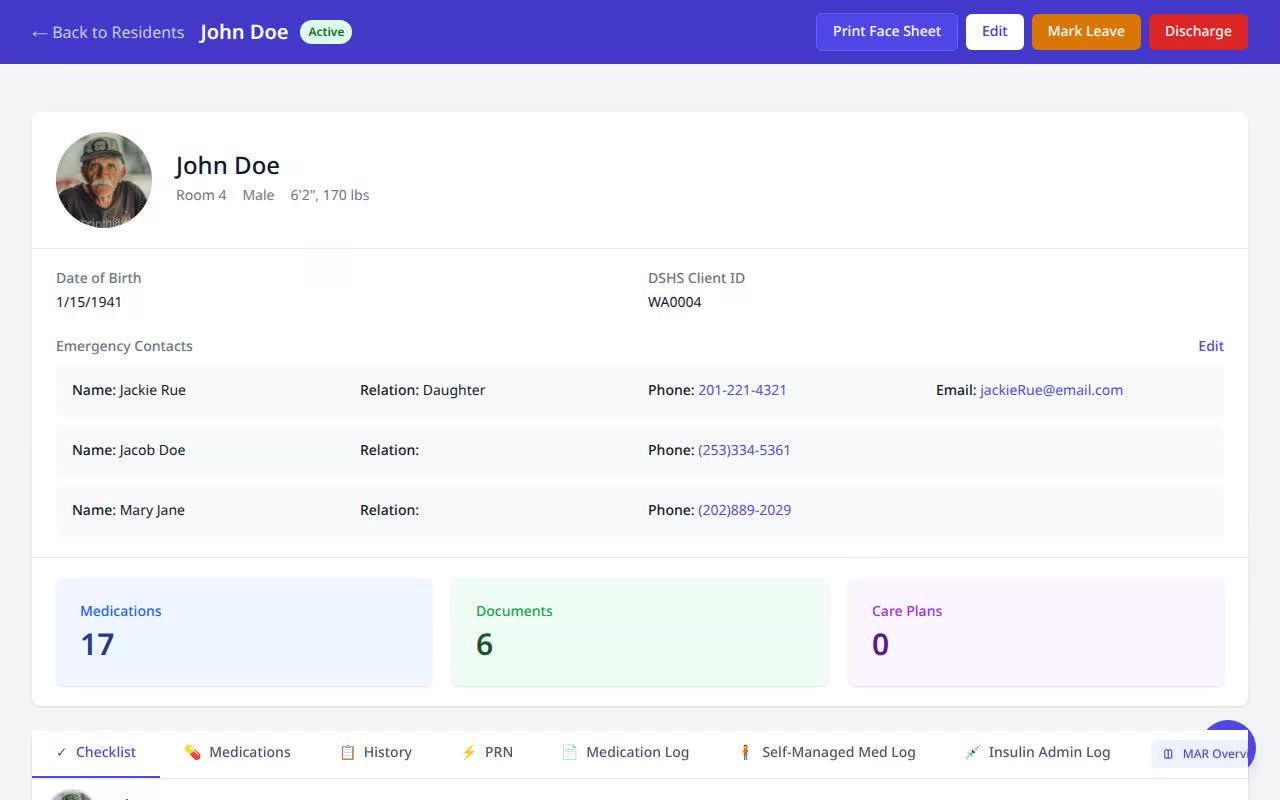
On the resident’s record, open Medications and stay on the Checklist tab.
- 2
Verify the resident
The checklist header reminds you to confirm identity before administering.
- 3
Find the due dose
Doses due now appear under their time window (e.g. “Evening”) with a green Give button.
- 4
Tap Give
One tap records the administration against that slot.
- 5
Done
The dose flips to “Given,” timestamped and initialled, and the slot is locked so it can’t be double-recorded.
Why it matters
- A database-backed slot lock means the same scheduled dose can’t be recorded twice — the core defense against double-dosing.
- Every administration is attributed to a caregiver with a timestamp, building the medication record WAC 388-76 requires.
- A time-windowed checklist keeps caregivers on-schedule without hunting through a paper MAR.